




-
Step 1 — Enter Your rSecureKey
Users enter their secure key and apply their defined color/style pattern. If the formatting or pattern fails validation, the authentication attempt stops immediately.
-
Step 2 — Enter Your OTP
A one-time code is delivered via email or SMS, or split across both channels for distributed verification. User enters the code as received.
Alternatively, users may be challenged via the source IDP’s Authenticator app (Microsoft Authenticator, Google Authenticator) or Rainbow Secure TOTP Authentication -
Step 3 — (Optional) Apply Color and Style Formatting
If configured, users apply the instructed color, font, or style formatting to the OTP—adding an additional cognitive verification layer that automation cannot execute.
-
Step 4 — System Verifies Identity
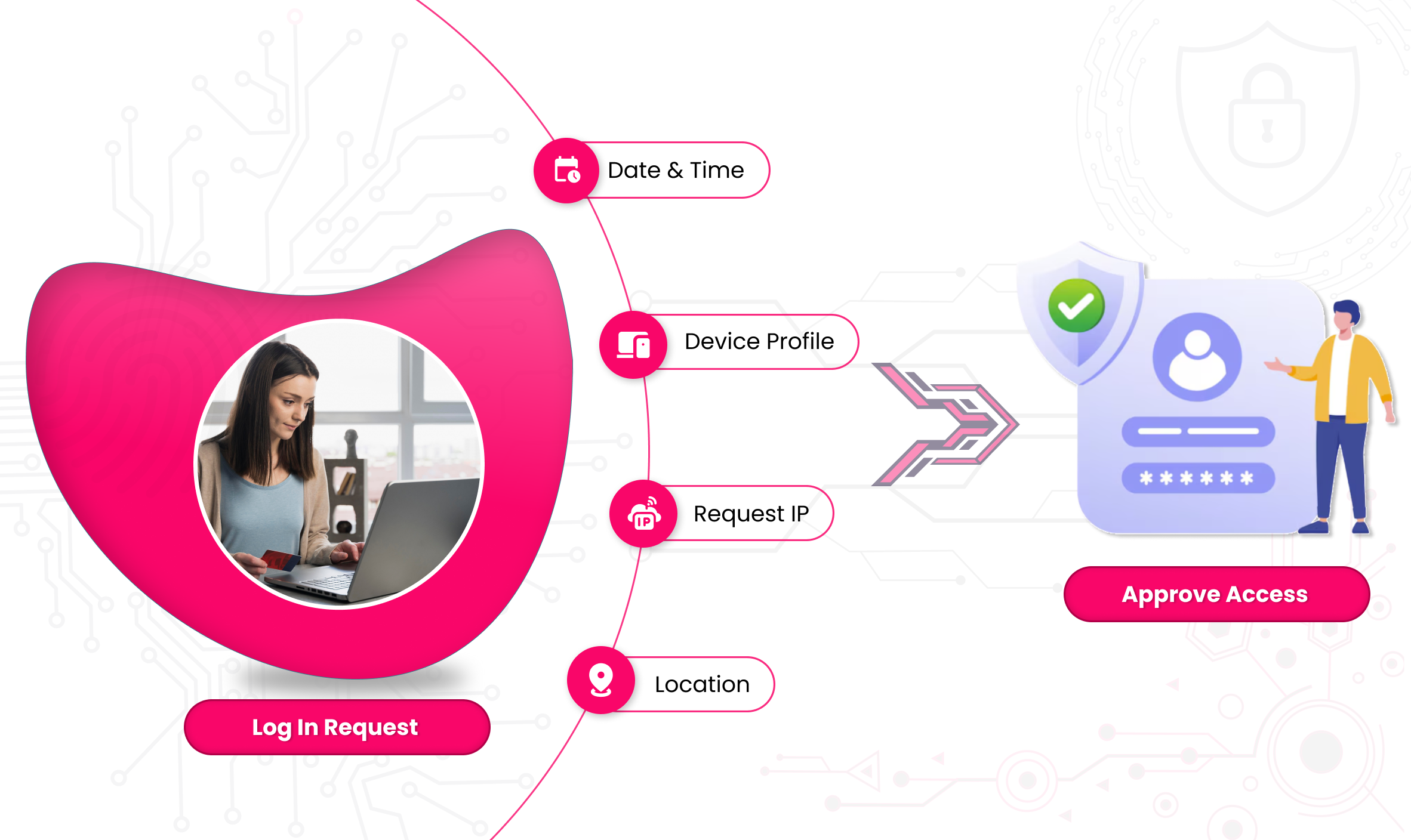
Rainbow Secure validates credentials, formatting, device context, and risk signals before granting access exclusively to the verified human user.

- Bot behavior
- Impossible travel
- Suspicious devices
- Unusual location
- Repeated OTP failures


Key Features (Zero Trust-Centric)
- rSecureKey as the primary Zero Trust factor
- Optional color/font/style cognitive validation
- Works across devices and web applications
- Admin dashboard for policy, enforcement, and risk control
- Split OTP for multi-channel verification
- No mandatory apps or hardware tokens required
- Continuous login behavior monitoring