

The pain: static MFA treats every login the same
That causes constant prompts for trusted users — and weak security for risky attempts.
-
Trusted routine
Same device, same city, work hours → should be smooth access.
-
Risk spike
New device, odd time, abnormal behavior → should trigger step-up or block
-
Session changes
Risk can change after login → trust must be re-validated.

Remote employee login (trusted routine)
Same laptop, same city, normal work hours. Users should not be punished with constant prompts.
Traditional MFA
- Prompts every time
- Creates fatigue and frustration
- More support tickets
Rainbow Secure Adaptive MFA
- Recognizes trusted context
- Allows smooth access
- Monitors risk in the background
Phished credentials + OTP replay attempt
An attacker steals a password and OTP. The system must evaluate context, not just inputs.
Traditional MFA
- May accept replayed OTP
- “Correct code” ≠ “trusted user”
- Account takeover risk remains
Rainbow Secure Adaptive MFA
- Detects new devices or anomalies
- Triggers enhanced verification
- Plaintext passwords ineffective.
Vendor / contractor access
Vendors log in from changing locations. You need conditional rules, not constant friction.
Traditional MFA
- Too permissive or too disruptive
- Hard to control access windows
- Limited policy context
Rainbow Secure Adaptive MFA
- Time + location + device policies
- Step-up only when risk increases
- Restrictions outside rules
Impossible travel / bot-driven attempts
Logins from distant locations within minutes or repeated failures from bots should be stopped instantly.
Traditional MFA
- May still allow access
- Security reacts after the fact
- Sessions can remain trusted
Rainbow Secure Adaptive MFA
- Detects high-risk signals
- Blocks and alerts automatically
- Terminates risky sessions
Risk-based step-up
Trigger stronger verification only when risk signals appear.




Geo-fencing & work locations
Allow trusted regions; step-up or block outside known locations.

Time-based access windows
Enforce business hours, shifts, or project-based access schedules.
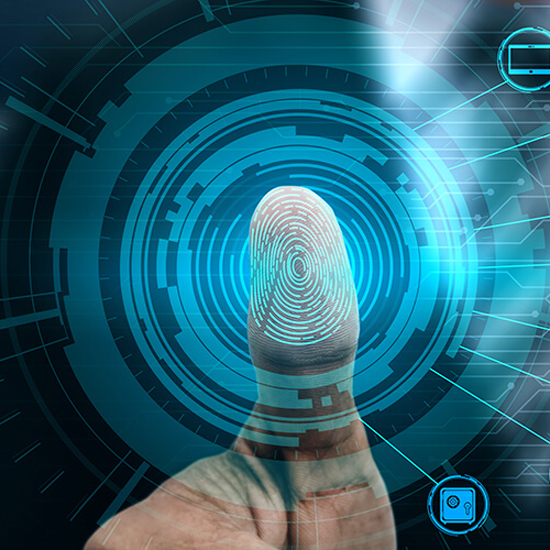
Device fingerprinting
Recognize trusted devices and challenge unknown devices.

Bot & brute-force defense
Detect abnormal attempt patterns and block automatically.

Login alerts & audit logs
Visibility for admins with exportable logs for compliance.
Policy by role / group / app
Different protection for finance, admins, vendors, and HR.
Session-aware trust
Continuously validate risk, not just at the login moment.
- Risk-based step-up
- Geo-fencing & work locations
- Time-based access windows
- Device fingerprinting
- Bot & brute-force defense
- Login alerts & audit logs
- Policy by role / group / app
- Session-aware trust
-
Users get prompt fatigue
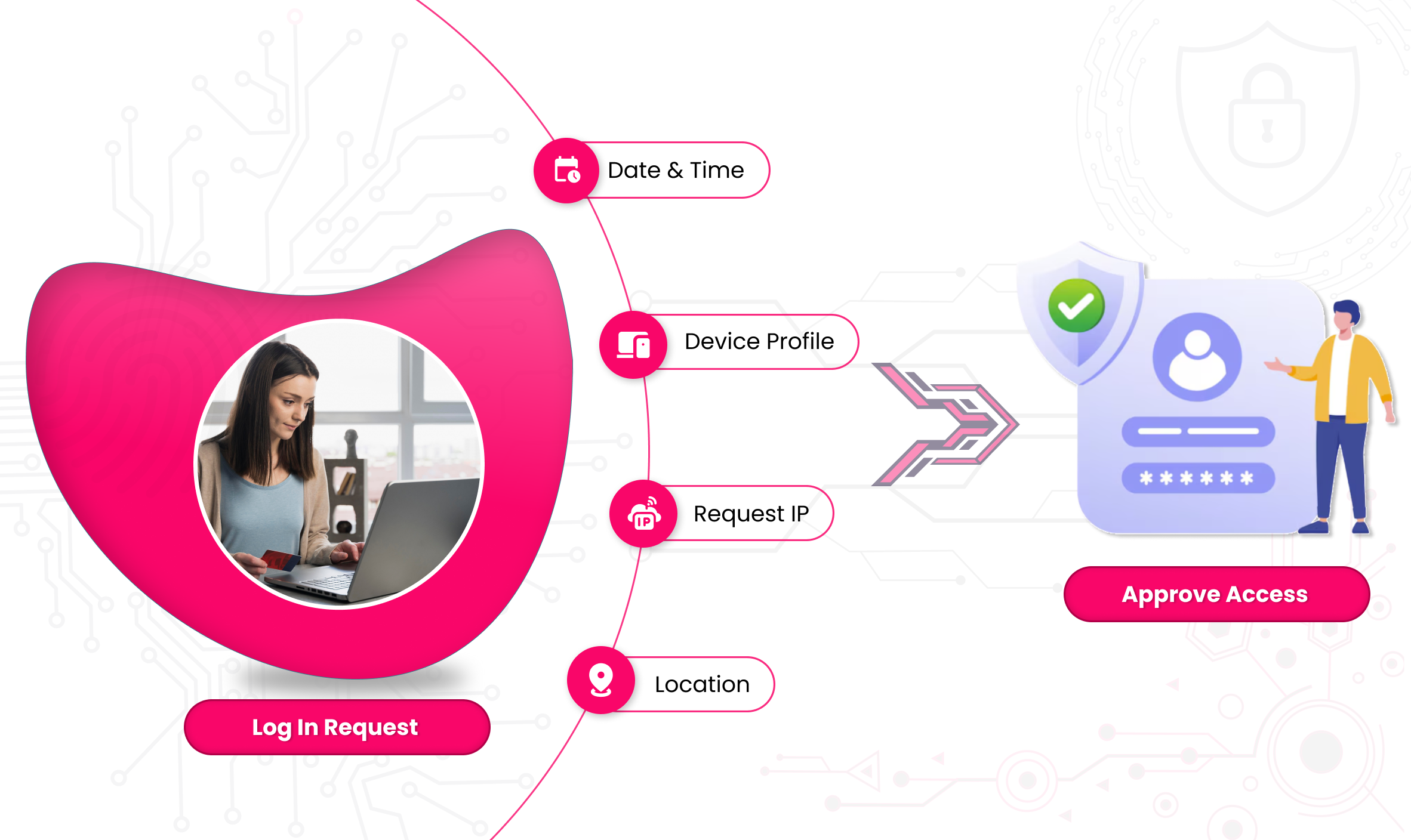
Users provide initial credentials (e.g., username and password) to log in.
-
Stolen credentials still work
The system analyzes factors like location, device, IP, and behavior to calculate a risk score.
-
Sessions are blindly trusted
Predefined security policies determine required authentication levels.
- Trusted Routine
- Risk Spike
- Session Changes
Same device • Same city • Work hours → Smooth access
Goal: Don’t punish normal behavior. Security should stay invisible.
Healthcare
A nurse logs into the hospital EHR system from a workstation inside the hospital network, during her scheduled shift.
Result: Access is granted seamlessly without extra MFA prompts.
Why it matters: Clinicians need speed. Repeated MFA slows care delivery.
Finance / Accounting
A payroll manager signs in from their office laptop, same city, at 9:15 AM on a weekday.
Result: Login proceeds normally, no step-up.
Why it matters: Reduces MFA fatigue during routine financial operations.
Manufacturing
A plant supervisor accesses the production dashboard from the same factory floor terminal every morning.
Result: Smooth access without disruption.
Why it matters: Downtime impacts operations and safety.
Education
A teacher logs into the learning management system from the same school-issued device, during school hours.
Result: No additional challenges.
Why it matters: Keeps classrooms running without login friction.
MSP / IT Operations
An MSP technician logs into a client’s admin portal from their registered device during business hours.
Result: Trusted access without alerts.
Why it matters: Trusted access without alerts.
New device • Odd time • Abnormal behavior → Step-up or block
Goal: Apply friction only when behavior changes.
Finance (High Risk)
A finance director attempts to access the bank reconciliation system at 2:40 AM from a new laptop
Result: Step-up authentication or temporary block until verified.
Why it matters: : Prevents financial fraud and wire transfer attacks.
Healthcare
A doctor’s account attempts to access patient records from a new mobile device while traveling internationally.
Result: Step-up MFA or restricted access.
Why it matters: : Protects PHI and meets compliance requirements.
Retail / E-Commerce
An admin login attempt occurs from a new IP, outside normal hours, immediately after a password reset.
Result: : Login blocked and alert sent.
Why it matters: Stops account takeover before inventory or pricing manipulation
SaaS / Tech Company
A developer logs into the production environment from a personal device never seen before.
Result: Step-up authentication required.
Why it matters: Prevents unauthorized production access.
Education
A student account suddenly attempts to access admin-level portals from a new device.
Result: : Access blocked and flagged.
Why it matters: Prevents privilege escalation.
Risk can change after login → Trust must be re-validated
Goal: Trust should not be permanent.
Finance
An employee logs in normally, but during the session:
• Attempts to download large financial reports
• Accesses wire transfer settings
Result: Session risk increases → Step-up MFA triggered mid-session.
Why it matters: : Stops insider threats and session hijacking.
Healthcare
A clinician logs in safely, but then:
• Switches networks
• Accesses sensitive patient records unusually fast
Result: Session re-validated or access restricted.
Why it matters: : Prevents misuse after initial access.
Manufacturing
An engineer logs into SCADA controls, then attempts changes outside assigned shift hours.
Result: Session paused or re-verified.
Why it matters: Prevents sabotage or mistakes.
MSP / IT Admin
An MSP admin logs in legitimately, then:
• Starts accessing multiple client tenants rapidly
• Attempts privilege changes
Result: : Trust is re-evaluated, step-up required.
Why it matters: Limits blast radius if an account is compromised.

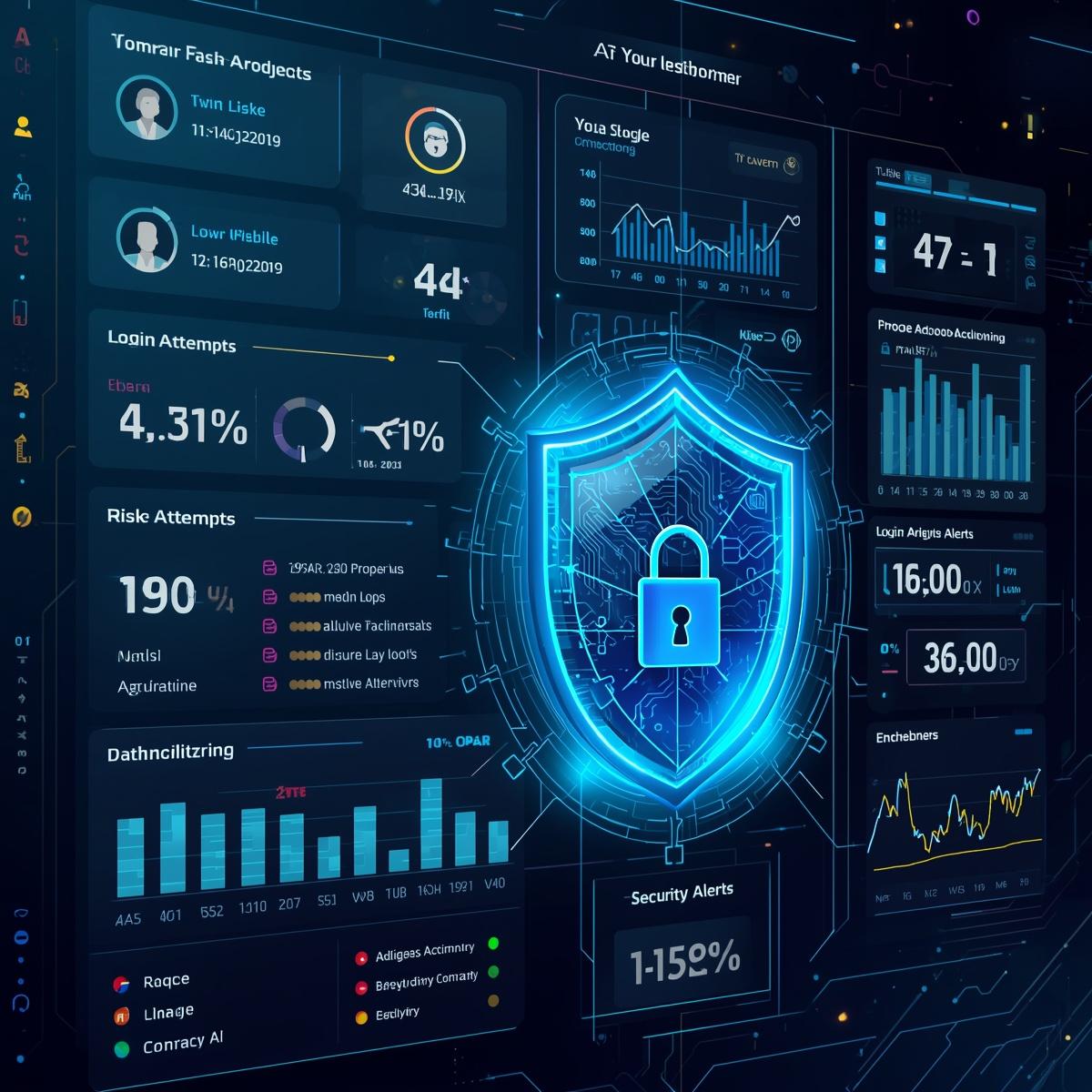
Estimated attack success likelihood
The estimated attack success likelihood measures the probability of a security breach succeeding based on current vulnerabilities and threat factors. It helps in assessing potential risks, guiding defensive strategies, and prioritizing resources to mitigate the most probable threats.


Watch Video

Why Organizations Need Adaptive MFA?
According to Ponemon Institute statistics, a staggering 77% of companies lack adequate preparedness in defending against cyberattacks and data breaches. Such breaches can result in immense financial losses, potentially crippling any organization’s growth.
Therefore, it is imperative to adopt robust security measures like Adaptive Multi-Factor Authentication (MFA) to proactively ward off cyber threats while enabling your workforce to focus on productivity and peace of mind. Here are some compelling reasons why modern organizations should embrace Adaptive Authentication: l.



Adaptive MFA Solution Pricing
For Work force (B2B)
Start with a 30-day free trial $1 per user / month
Get Quote-
What is Adaptive MFA in simple terms?
Adaptive MFA adjusts verification based on risk. Trusted logins stay smooth; unusual logins trigger step-up checks; high-risk attempts get blocked and alerted
-
Does Adaptive MFA reduce MFA fatigue?
Yes. By avoiding unnecessary prompts for trusted routines, you reduce fatigue and lower the chance of accidental approvals.
-
What signals can we use in policies?
Common signals include device fingerprinting, geo-location/work locations, time-of-day rules, login velocity (impossible travel), failed attempts, and anomalous behavior patterns.
-
How does this help against phishing and replay?
Rainbow Secure evaluates context and behavior, not just “correct inputs.” Attackers can steal credentials, but they can’t reliably replicate trusted context — so plain password text is useless to them.